It breathes in the
corner of your screen.

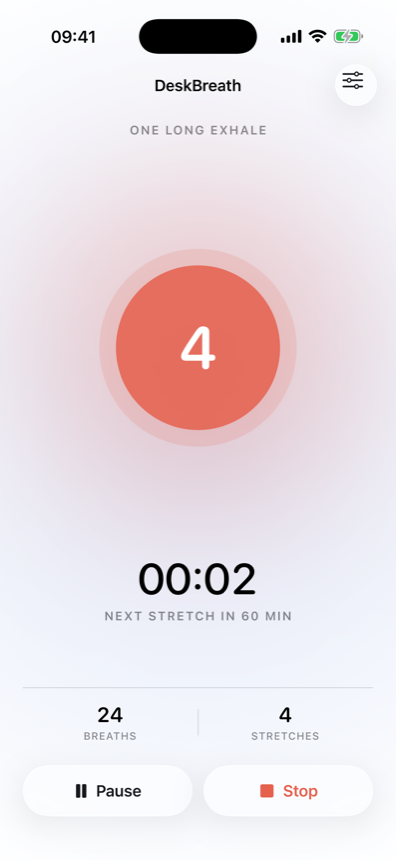
One circle in the menu bar, counting four seconds in and six seconds out. You keep working; it keeps the rhythm.

Free to start · iPhone and Mac · No subscription

4
Breathe in

Four seconds in, six seconds out.

4s in6s out

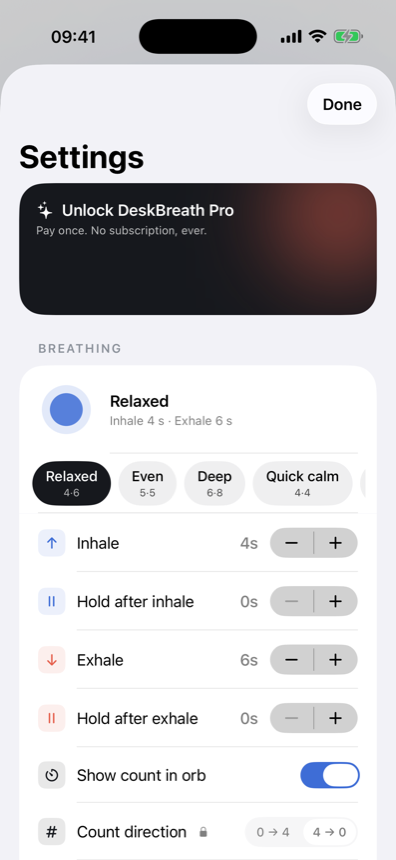
A longer exhale is what settles you, so that's the default. Switch to box breathing or 4-7-8, or set the seconds yourself. Each phase change arrives as its own haptic, so you never have to watch the screen.

On a Mac it just stays on your screen.
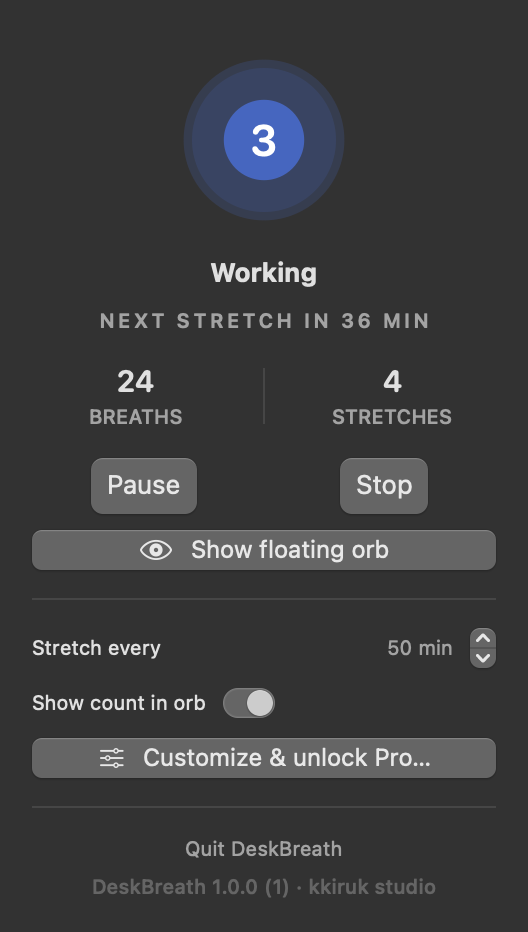
Or floating on topTrack it out of the corner of your eye. It follows you across desktops.
Always up thereGlance up mid-task and you can see whether you're on the in-breath or the out-breath.
Today's countBreaths and stretches for the day, without leaving what you were doing.

On iPhone it tells you with haptics, not the screen.

One tap to startTap the circle to begin or pause. Distinct haptics mark inhale, hold and exhale.
Your rhythmPresets, or your own seconds. Reminder intervals in five-minute steps.
What you actually didSkipped reminders don't count. Only the ones you marked as done.

The basics are free. Pro is one purchase.

Free

Everything you need to start

  • The breathing circle, 4 in / 6 out
  • Box breathing, 4-7-8, or your own seconds
  • A different haptic for each phase
  • Stretch reminders, any interval in 5-minute steps
  • Skip a reminder when you can't stop
  • The session ends itself after 10 hours
  • Today's breaths and stretches

Pro

One purchase, no subscription

  • 7 shapes for the circle
  • Your own colors, image and count direction
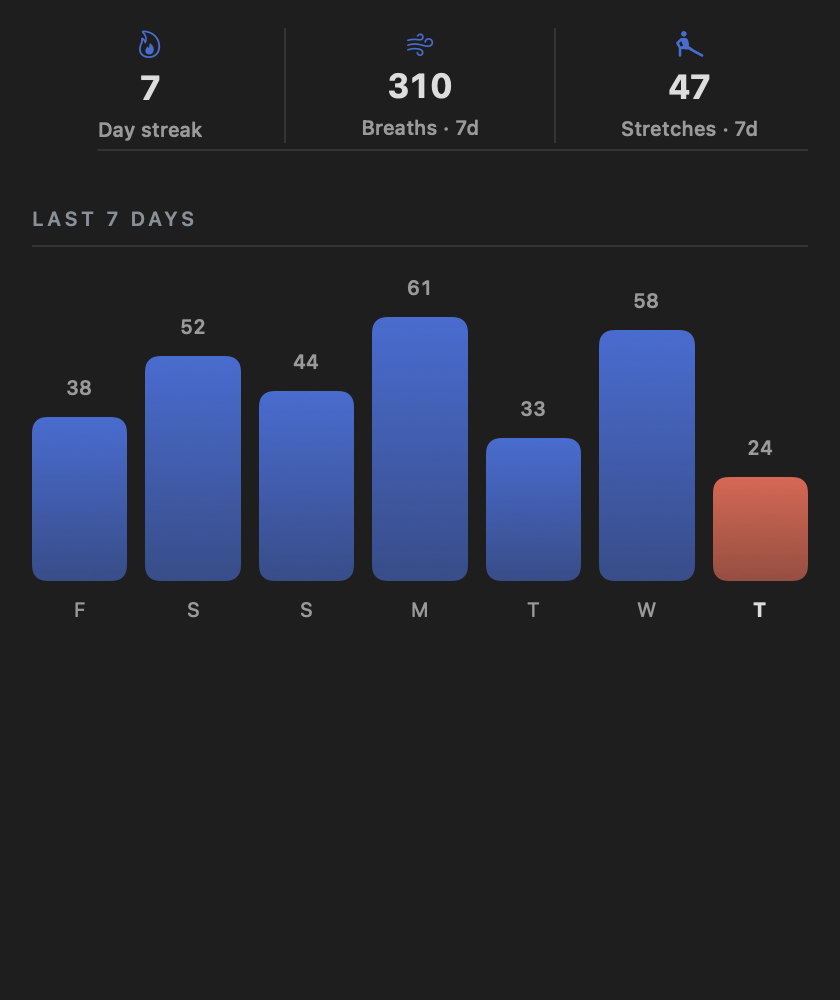
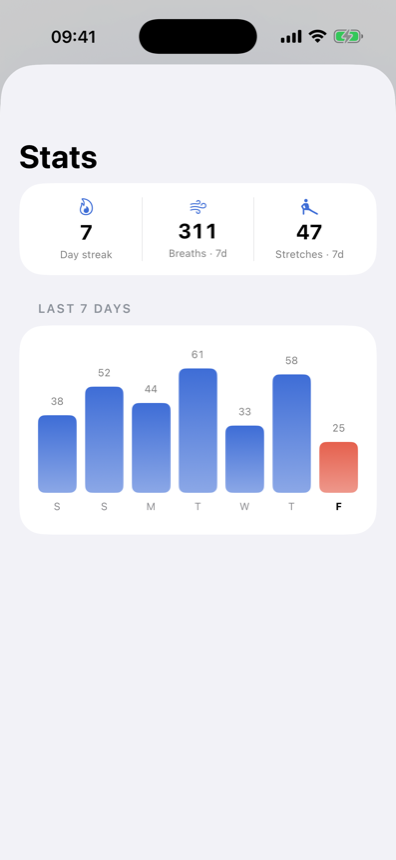
  • Weekly stats and streaks
  • Reminders only during your work hours
  • iPhone and Mac in sync over iCloud

Take a big breath, right now.

iOS 17+ · macOS 14+