帳· SCREENSIOS
A notebook for your rail trips.
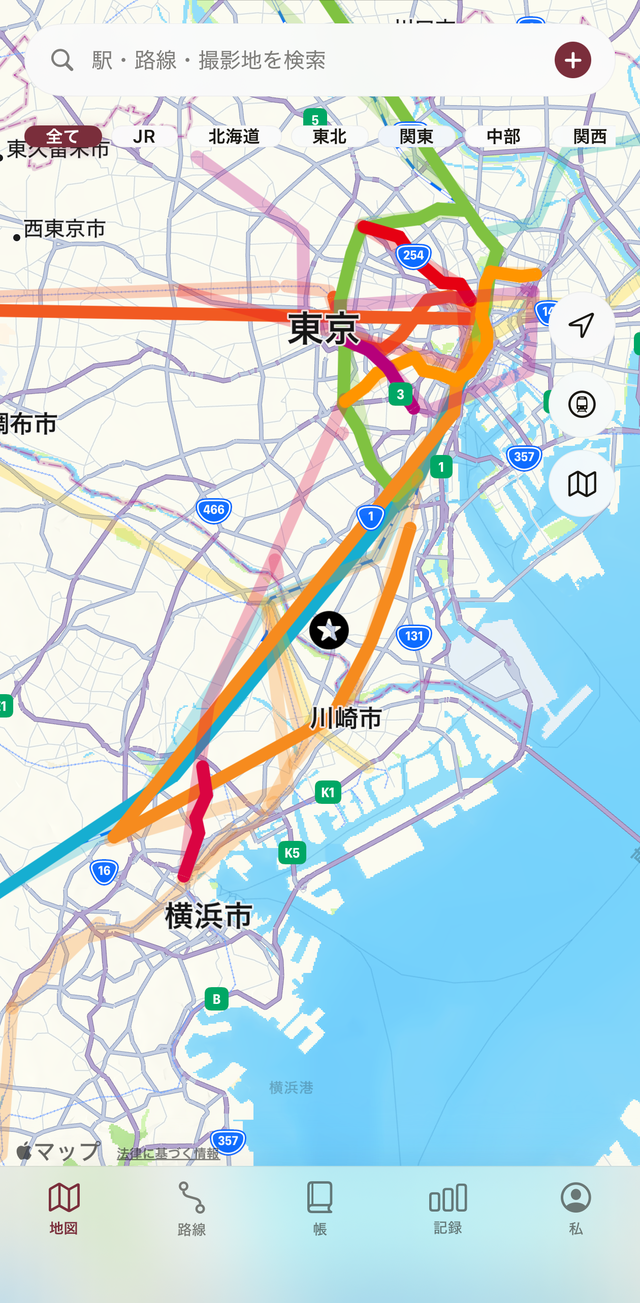
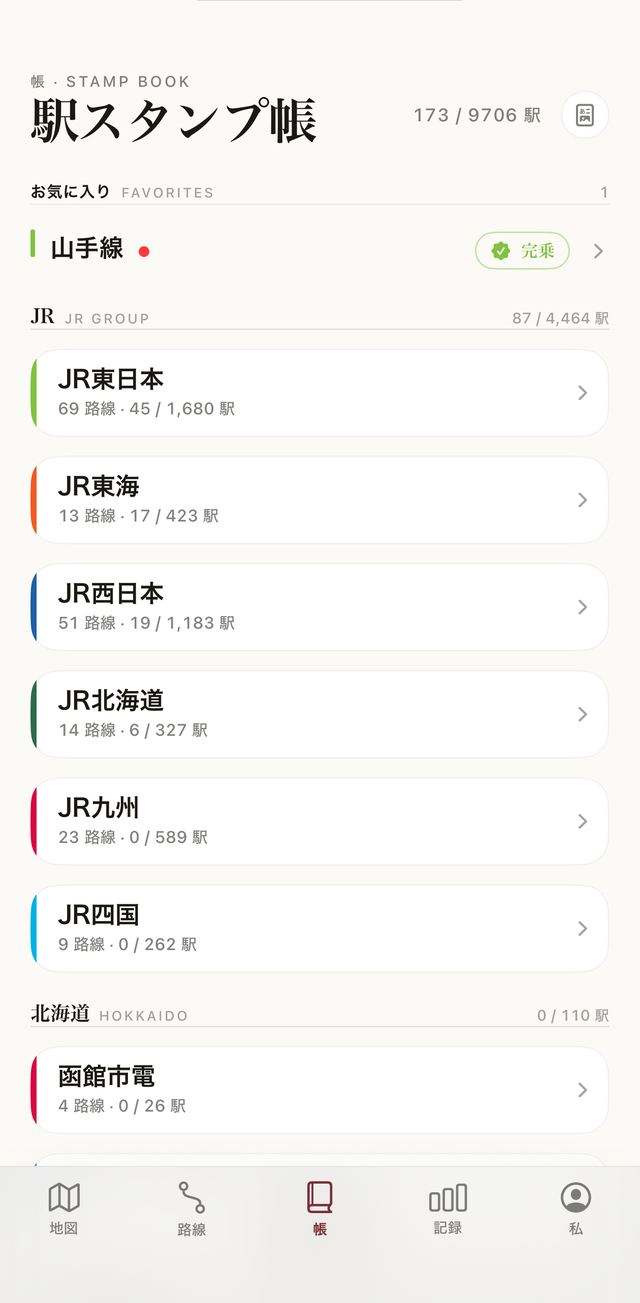
Tap a station on the map and the ride is logged. The line's color spreads right across the map. Log your Japan rail trips — 163 operators, 571 lines, 9,706 stations — the way a stamp book fills, one page at a time.
Tap any station on the map. Tetsulog records the date and the segment you rode.
Ridden lines spread across the map in color. Unridden stretches stay gray, so your progress is obvious at a glance.
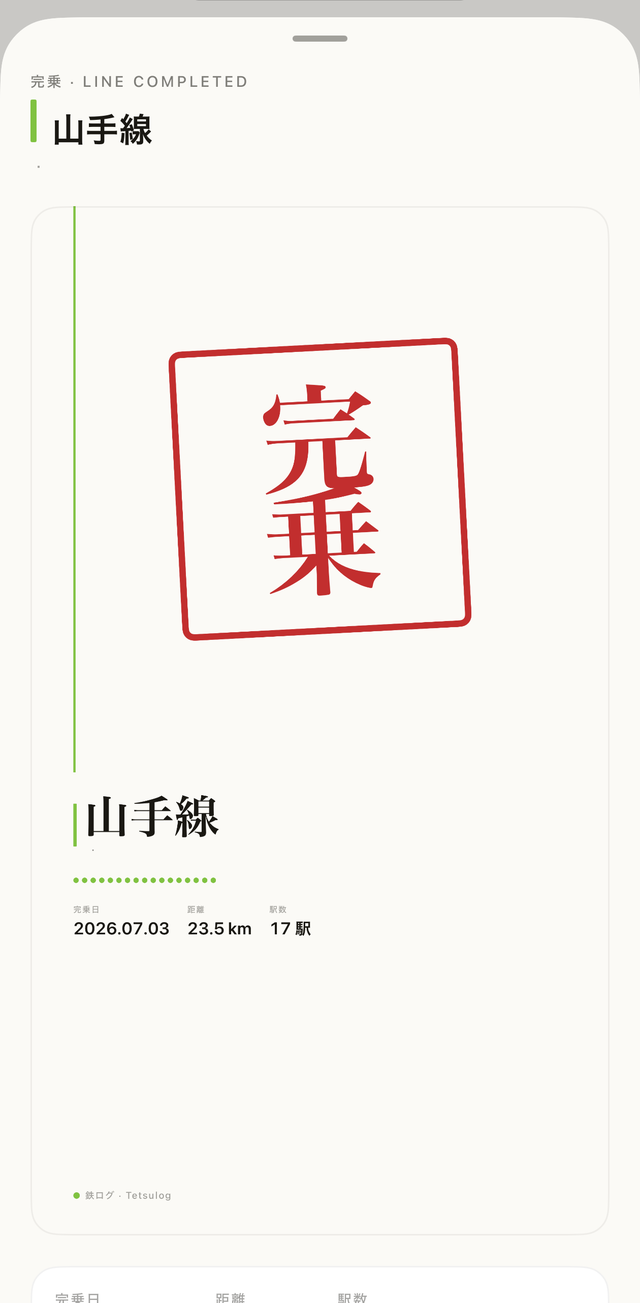
Complete a line and a vermilion “line complete” stamp is pressed. Page by page, the book fills up.
Every JR group, major private railway, regional line and third-sector railway is preloaded. Whether it's one loop around the Yamanote Line or a lifelong completion run, Tetsulog keeps the log.
Log rides you took years ago. Starting today doesn't erase the lines you'd already completed.
Pick a start and end station — every stop between gets marked ridden in one step.
Finish a line and a stamp-style keepsake card is generated automatically. Shareable, too.
See your ridden ratio by prefecture on a shaded map of Japan.
Export your stamp book as a PDF to print or archive.
Synced via iCloud, with JSON backup and CSV export any time. New phone or another tool — the log is yours. Free.
Open a line in the Lines tab, then choose a departure and arrival station under “Segment Entry” and every station in between is marked as Visited at once. Tapping a station on the map and pressing “Log a segment from here” on its card opens the same screen, with that station filled in as the departure.
Press “Log a segment from here” on the station card on the map and a list of the lines serving that station appears; pick the one you want to log. The line can’t be changed once you are on the Segment Entry screen, so to switch lines, close it and choose again.
The map assumes you rode between the stations you have logged. If you only rode A→B and C→D and don’t want B→C colored in, turn on “Don’t infer segments” in Settings.
Following the convention of “riding every line”, Tetsulog records by official track name (Tokaido Line, Yamanote Line, etc.). Service names are not included, so please log each track the train actually runs on. For example, the Osaki–Nishi-Oi section of the Shonan-Shinjuku Line is logged as the “Osaki Branch Line”.
If you’re signed in to iCloud, your records sync automatically. You can check the status under “iCloud Sync” in Settings.
Export your records to a file with “Backup” in Settings, then load it on the new device with “Restore Backup”. You can also take them out as CSV with “Export”.
Logging, the map, Segment Entry and iCloud sync are all free. Pro adds unlimited favorites, per-operator stats and the activity calendar, the 47-prefecture heatmap, share cards without the watermark, the PDF stamp book, and reverse direction and stretch selection in Cab View.
In keeping with the convention for riding every line, Tetsulog records by official track name. The Yamanote Line officially covers Shinagawa–Shinjuku–Tabata; the eastern side of the loop (Tabata–Tokyo–Shinagawa) belongs to the Tohoku Line and the Tokaido Line. If you rode the full loop, record it on three lines: the Yamanote Line, the Tohoku Line (Tabata–Tokyo) and the Tokaido Line (Tokyo–Shinagawa).
Tetsulog records visits to Japanese railway stations and tracks the lines you have ridden on a map.