In Korea, Google Maps stops at transit: no walking directions for the last few hundred meters. Naver Map and KakaoMap do that part, but they match Korean names. Local Link converts the name you know into local-script search text and opens it in the map locals actually use — in Korea, China, Japan and beyond.

Choose the country and city. Local Link prepares searches that match how places are written there.
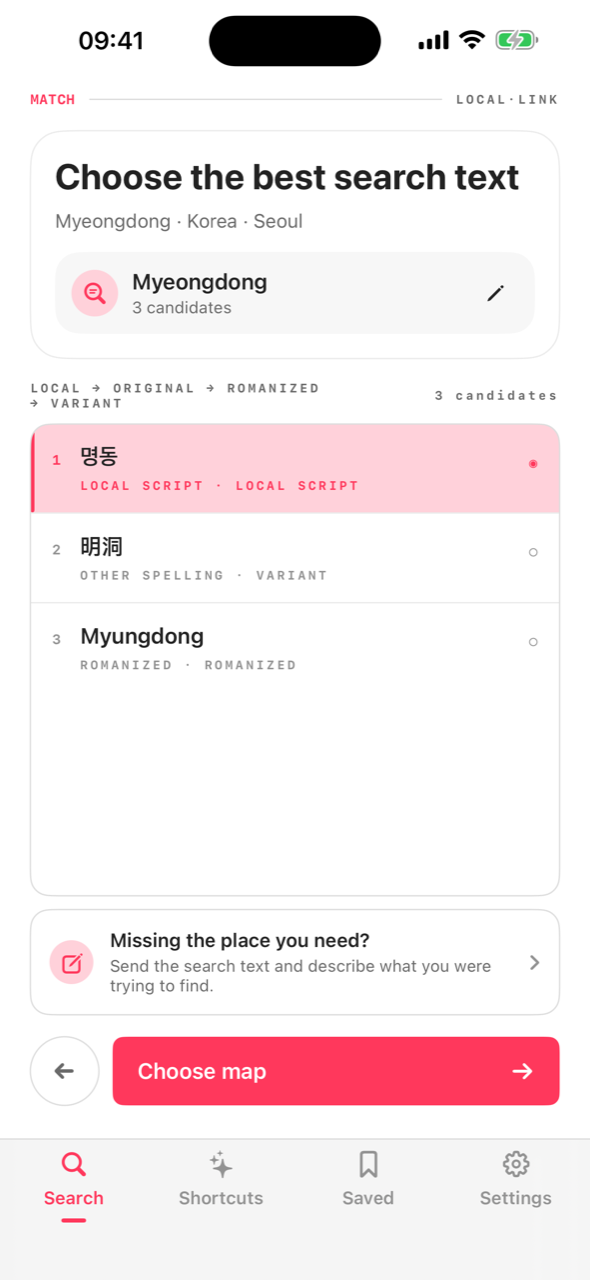
English, romanized, or local spelling — the app generates the local-script candidates that map services actually match.
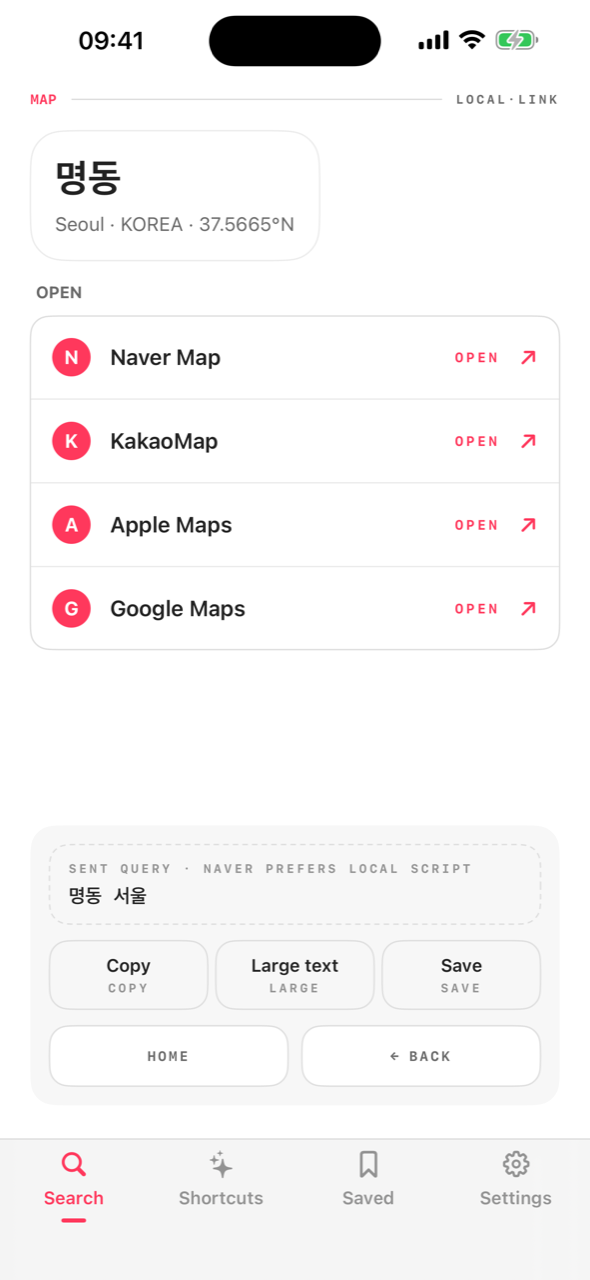
One tap hands the converted search to Naver, Kakao, Amap, Google or Apple Maps. No app installed? It opens on the web.
Local map services index places in their own script. Searching “Myeongdong Kyoja” in English gets you nothing on Naver — 명동교자 gets you lunch.
Each destination gets the map apps that actually work there, in the right priority — with automatic web fallback when an app isn't installed.


The conversion data ships inside the app. Airport basement? Still converts.
Nothing to sign up for. No analytics leave your device.
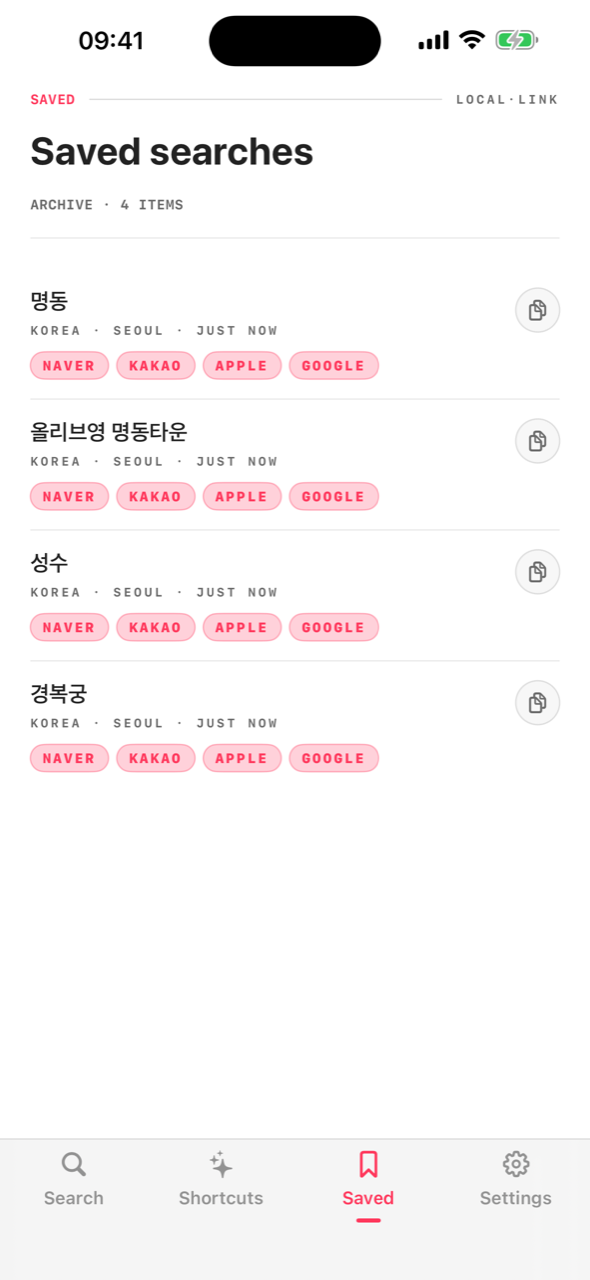
Saved places follow you to your iPad — through your own iCloud, not our servers.
Curated searches per destination: coffee chains in Shanghai, beauty stores in Seoul.
English, 한국어, 日本語, 简体中文, 繁體中文 — UI and conversion both.
Show the local script full-screen to a taxi driver, or copy it anywhere.
Local Link converts place names into local-script search terms and opens them in local map apps.