Memes from the group chat, order confirmations, a Google Maps pin you grabbed before heading out — they all end up in one messy camera roll. Swipe through them one at a time and tap a folder, toss the rest into the trash, then find anything later by the text inside it.

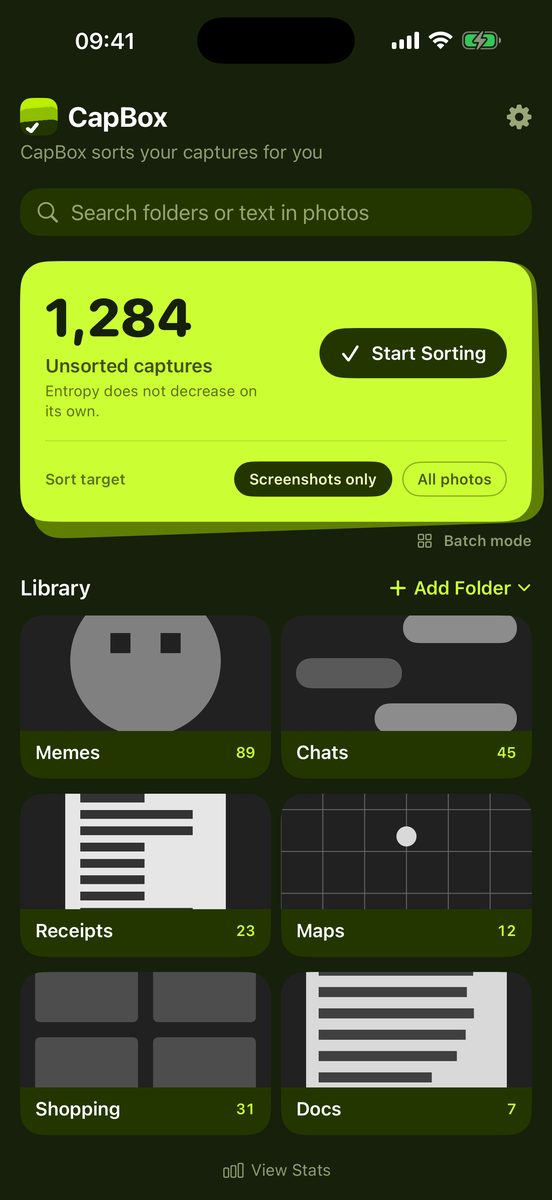
CapBox counts the captures you haven't sorted yet. Work through screenshots only, or all your photos.
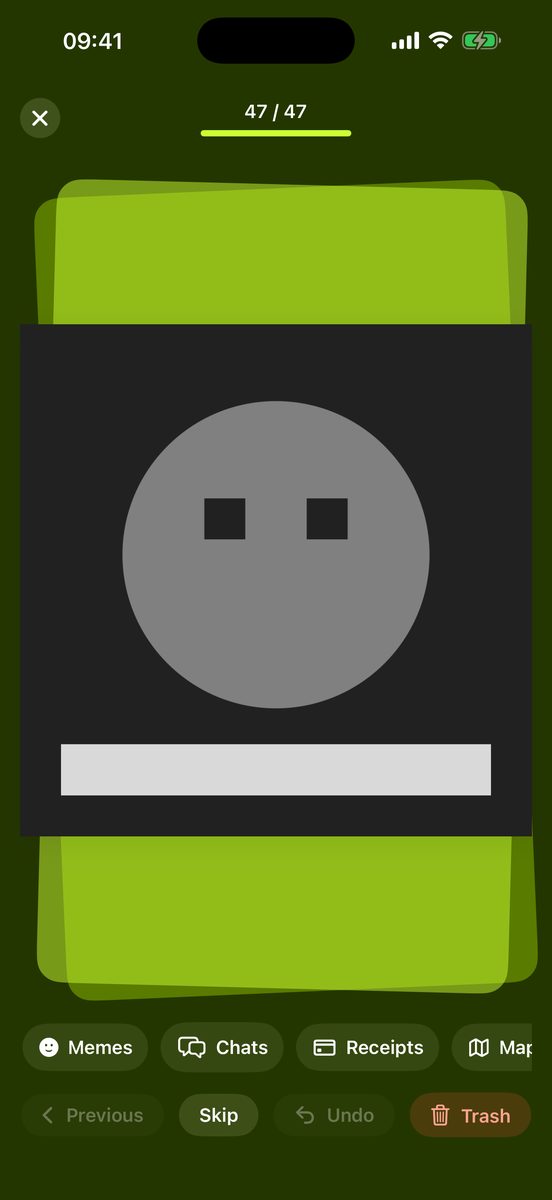
Swipe through one at a time and tap a folder chip. Or select a batch and send it all at once. Anything you don't need goes to the trash.
Folders are real albums inside a “CapBox” folder in the Photos app, so your sorting stays even if you delete CapBox.
Text recognition and search both run on your iPhone. There's no server, so there's nowhere to send your photos. No account, no in-app purchases.
Start with a starter set — Memes, Chats, Receipts, Maps, Shopping, Docs — or import the albums you already have. Rename, recolor, or change the icon any time.


Screenshots you don't need go to the trash. Review them, then delete the whole pile in one go — or restore the ones you tossed by mistake.
CapBox reads the text in your captures on device, so you can find a shot by what it said — in folders and in unsorted screenshots alike. Korean, English, Japanese, Traditional Chinese.
Already made albums in Photos? Bring them in as CapBox folders and keep going.
Flip through one card at a time, or multi-select a pile and send it to a folder at once.
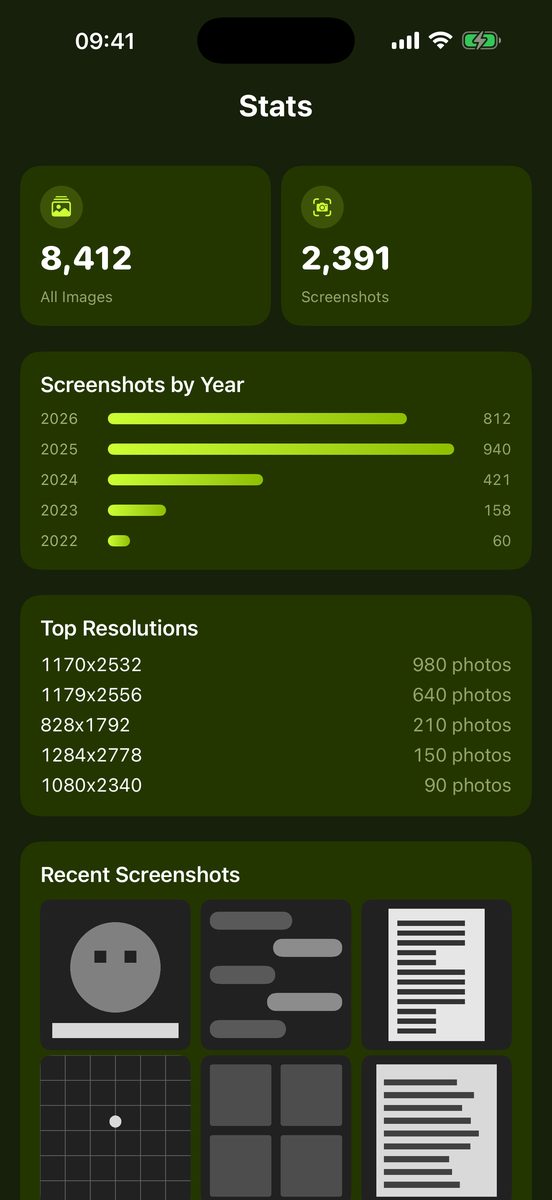
See how many screenshots piled up each year and which resolutions dominate your library.
Korean, English, Japanese and Traditional Chinese — in the app and in text search.
Entropy does not decrease on its own.
Coming soon to the App Store. Free on iPhone, no in-app purchases.